

01
Product Photography & E-commerce
Generate clean product cutouts with transparent backgrounds for online catalogs, marketplaces, and promotional materials. Perfect for inventory photos, product listings, and retail displays.
AI Image Tools
Powerful AI background remover tool that automatically erases, cuts, and eliminates backgrounds from images. Create transparent PNG cutouts, isolate subjects, and extract objects with precision. Perfect for photo editing, product photography, and background replacement.
AI Image Tools
Powerful AI background remover tool that automatically erases, cuts, and eliminates backgrounds from images. Create transparent PNG cutouts, isolate subjects, and extract objects with precision. Perfect for photo editing, product photography, and background replacement.
Photo effects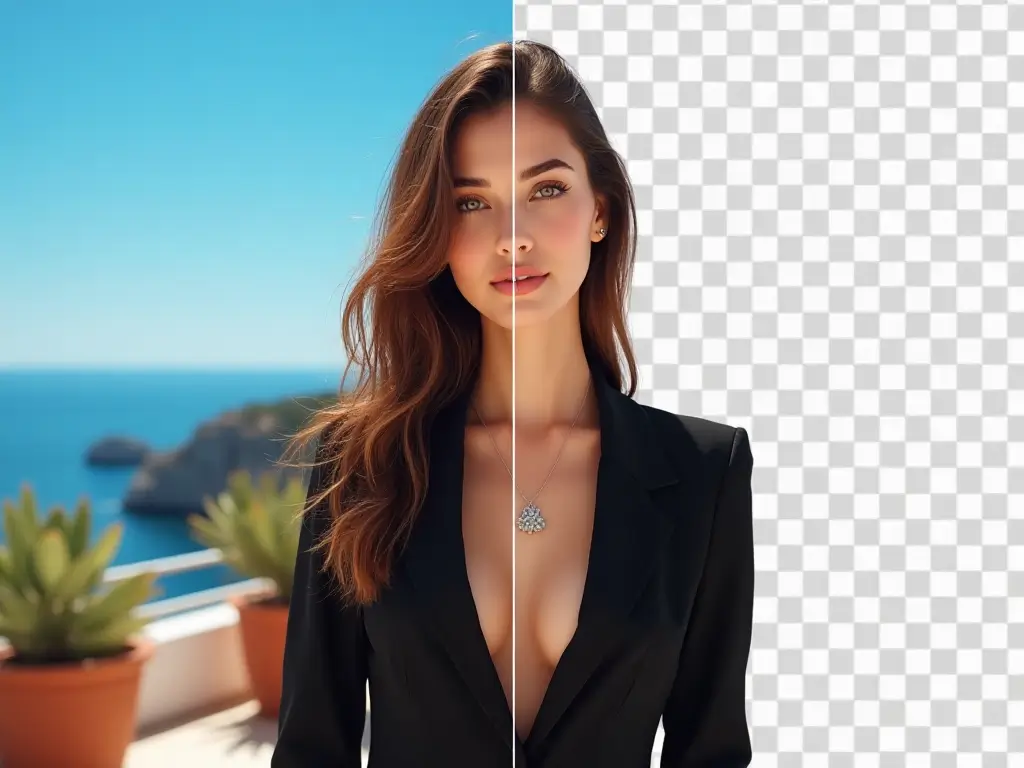
Our intelligent background removal technology uses cutting-edge AI to detect, isolate, and extract subjects while completely eliminating unwanted backgrounds, delivering pixel-perfect transparent cutouts.
Generate clean product cutouts with transparent backgrounds for online catalogs, marketplaces, and promotional materials. Perfect for inventory photos, product listings, and retail displays.
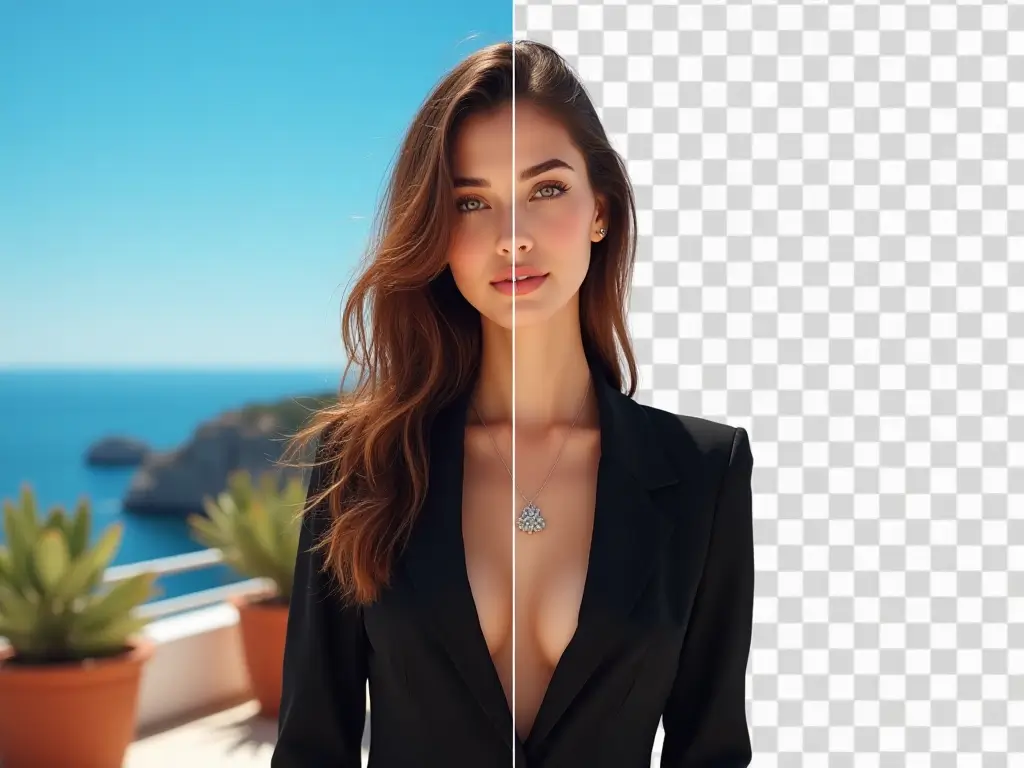
Extract people from cluttered scenes and eliminate distracting backgrounds. Create professional headshots, profile pictures, and portrait cutouts for resumes, social profiles, and business cards.
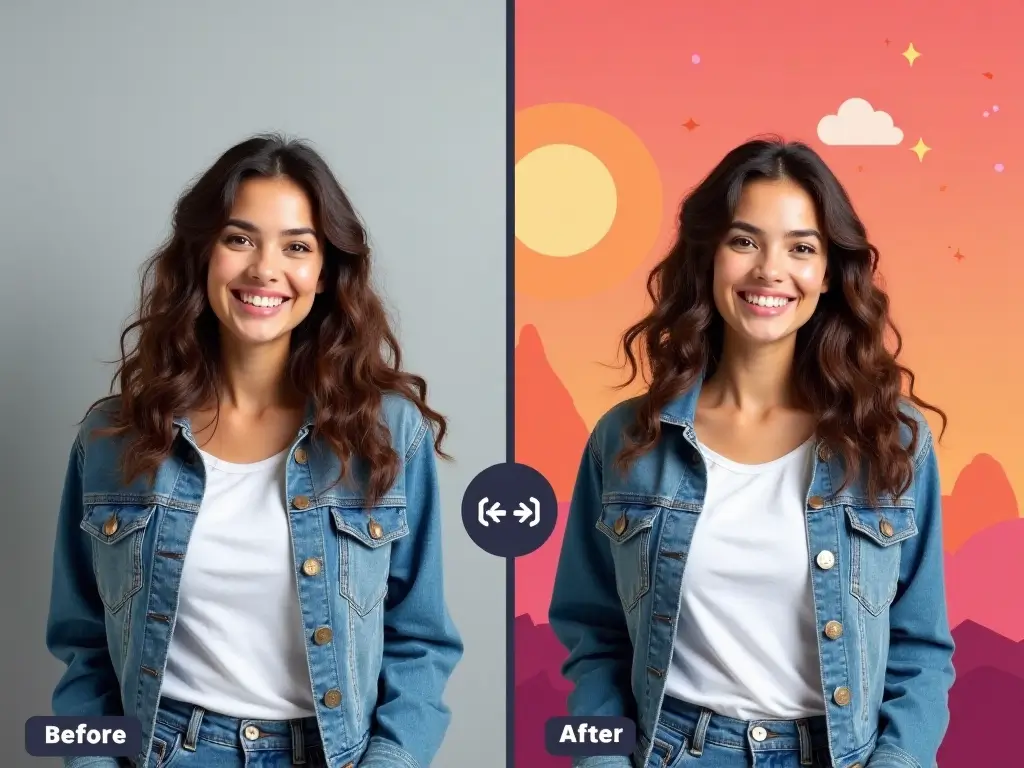
Isolate objects and subjects for graphic design projects, digital art compositions, and visual content creation. Combine with custom backgrounds, textures, or transparent overlays.
Experience seamless background deletion with our automated AI-powered photo editor:
Drop your image file in any format (JPEG, PNG, WEBP, JPG). Our background eraser handles portraits, products, animals, and objects up to 24MB and 4096x4096 resolution.
Advanced AI algorithms instantly analyze your photo, identify the main subject, and create precise edge detection for seamless background elimination and object extraction.
Get your subject isolated on a transparent background as a high-quality PNG file. The cutout preserves fine details with professional-grade accuracy.
Apply new backgrounds, solid colors, gradients, or keep the transparent cutout for further editing in design software and creative projects.
Join millions of users who rely on our background eraser for professional photo editing. Transform your images with transparent cutouts, perfect isolation, and seamless background elimination.
Get answers about our AI-powered background eraser and photo editing capabilities.
Our background eraser accepts all popular formats: JPEG, JPG, PNG, WEBP, and HEIC. Output is delivered as PNG with transparent background for universal compatibility across design software.
Our deep learning models achieve 99%+ accuracy on most images, excelling at complex subjects like hair, fur, glass, and semi-transparent objects. The AI continuously learns from millions of images to improve performance.
Yes, our smart background eraser can identify and preserve multiple subjects simultaneously. It recognizes groups of people, product collections, and complex scenes while cleanly removing backgrounds.
Support files up to 24MB with maximum dimensions of 4096x4096 pixels. This covers everything from smartphone photos to high-resolution product photography and professional portraits.
Most background deletions complete in 3-10 seconds. Processing time depends on image complexity, resolution, and server load, but typically remains under 20 seconds even for detailed photos.
While our AI performs best with clear, well-lit photos, it can still process lower quality images. For optimal results, use photos with good contrast between subject and background.
Currently, the tool processes one image at a time to ensure maximum quality and accuracy. For bulk processing needs, consider upgrading to access enhanced processing capabilities.
Our AI achieves excellent results on 95%+ of images. For challenging photos with similar colors between subject and background, try adjusting lighting or contrast before upload, or use images with clearer subject definition.